
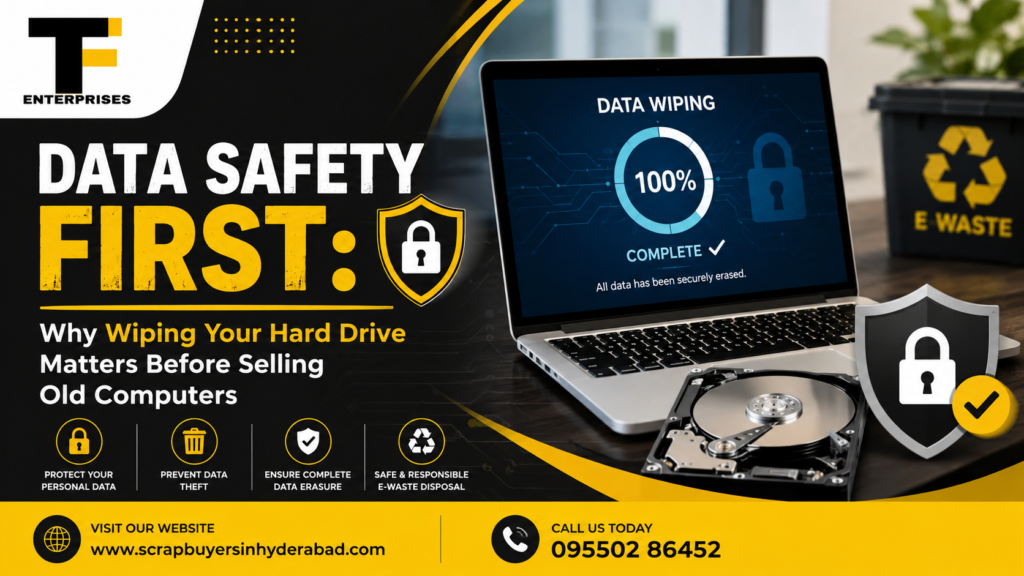
Selling, donating, or trading in an old laptop feels like a simple decision until you remember everything that lives on its hard drive: banking logins, tax documents, saved passwords, client files, and old photos. Most people assume a factory reset clears all of that. It doesn’t, not completely, and understanding why is the first step toward protecting yourself. This guide explains what really happens when you wipe hard drive before selling computer devices, why some methods fail silently, and how to make sure your data is genuinely unrecoverable before the device leaves your hands. It’s written for anyone facing this decision, from an individual clearing out a family laptop to an office admin retiring a batch of company machines.
Table Of Contents
- What a Factory Reset Actually Leaves Behind
- The Real Risks of Selling a Computer Without Proper Data Wiping
- How to Truly Wipe a Hard Drive Before Selling
- Choosing a Certified Data Destruction Service in Hyderabad
- Frequently Asked Questions
- The Bottom Line
What a Factory Reset Actually Leaves Behind

A factory reset is designed to restore a device to its original settings, not to destroy data. On most operating systems, a reset removes the file pointers that tell the system where a file lives, but it does not erase the actual data sitting in the storage sectors. Until that space is overwritten by something new, the original files are still physically present and recoverable with widely available forensic or data recovery software.
How a Standard Reset Works (and Where It Falls Short)
When you delete a file or reset a drive, the operating system essentially tears out the index page of a book while leaving every chapter intact. Anyone with the right recovery tool can rebuild that index and read the content again. This is precisely why routine resets are not a reliable way to wipe a hard drive before selling computer units, whether it’s a personal laptop or a decommissioned office desktop.
Why SSDs Behave Differently From HDDs
Traditional hard disk drives (HDDs) store data on magnetic platters, and older wiping methods that overwrite every sector with new data generally work well on them. Solid-state drives (SSDs) are built differently. They use flash memory and a controller that spreads data across cells using a process called wear leveling, which relocates data internally to extend the drive’s lifespan. This means a simple overwrite command may not reach every physical location where a deleted file’s remnants are stored. SSDs need purpose-built erasure commands, such as ATA Secure Erase or NVMe Sanitize, to reliably clear all cells, including ones the operating system can no longer directly address.
The Real Risks of Selling a Computer Without Proper Data Wiping
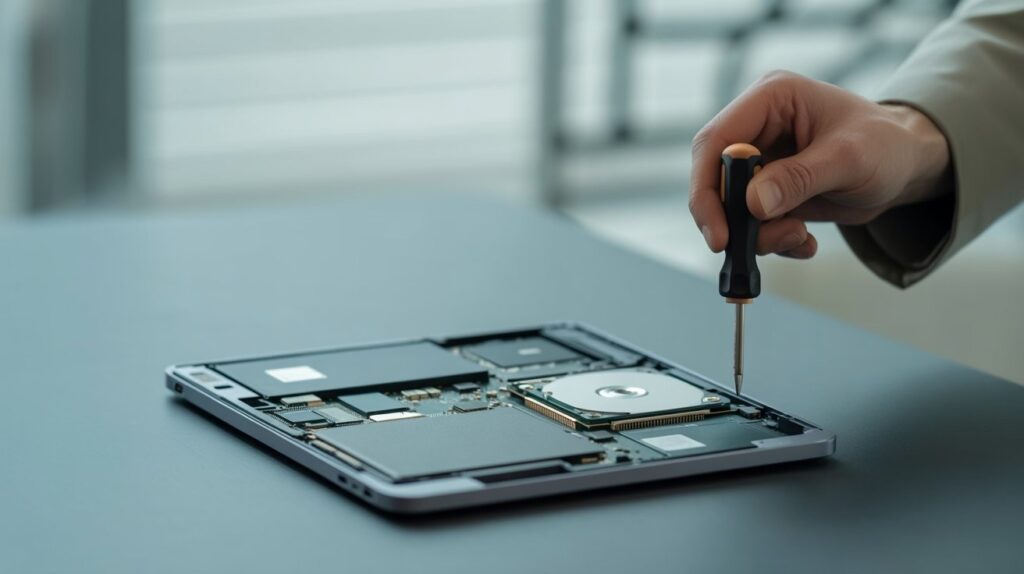
It’s tempting to assume no one will bother digging through a second-hand laptop. In practice, resale markets, recycling centers, and even well-meaning buyers routinely uncover recoverable data, sometimes by accident while setting up the device for their own use. The risk isn’t hypothetical; it’s a matter of what tools exist and how easy they are to use.
For Individuals: Photos, Passwords, and Financial Records
- Saved browser passwords and autofill data for banking or shopping sites
- Cached emails, personal photos, and cloud sync tokens still logged into accounts
- Old tax returns, scanned ID documents, or insurance paperwork stored in downloads folders
For Businesses: Compliance and Client Data Exposure
Office admins disposing of company laptops and desktops face a bigger liability. A single unwiped machine can carry client contracts, employee records, financial spreadsheets, or proprietary software, any of which could trigger compliance issues or reputational damage if it resurfaces. This is why data destruction before selling laptop in Hyderabad workflows for businesses typically include documentation, so there’s a verifiable record that each device was cleared before it left the premises.
How to Truly Wipe a Hard Drive Before Selling
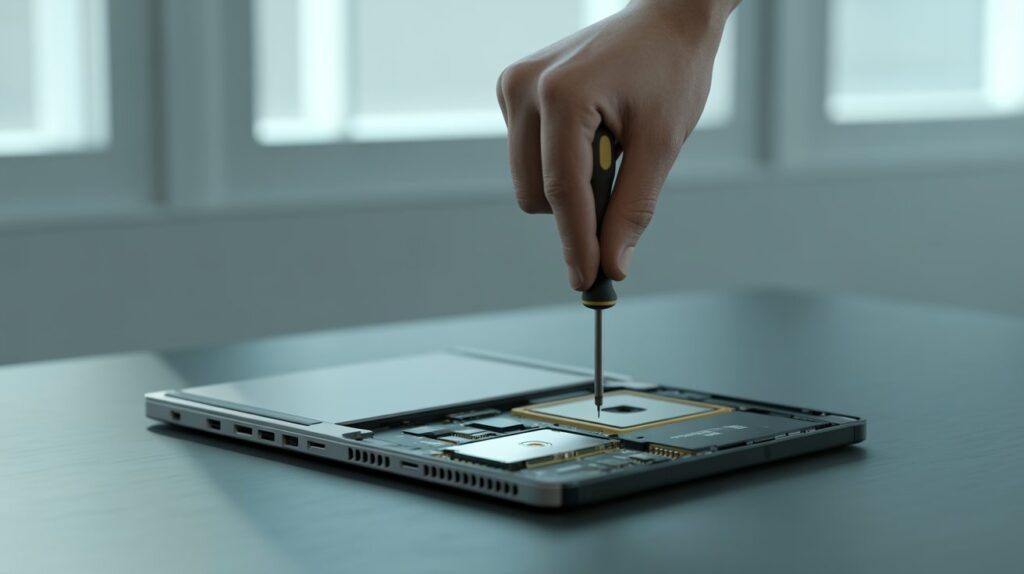
There isn’t a single universal method; the right approach depends on the drive type and how sensitive the data is. Here are the three levels most people should know about.
Certified Data Wiping Software
Reputable data wiping software for laptop use overwrites data multiple times using recognized standards such as DoD 5220.22-M or NIST 800-88, then generates a certificate confirming the process was completed. For SSDs, look specifically for tools that support ATA Secure Erase or NVMe Sanitize commands rather than generic file-shredding software, since standard overwrite tools were designed with HDDs in mind.
Physical Destruction for High-Sensitivity Drives
For drives that held highly sensitive financial, medical, or client data, physical destruction (shredding or degaussing for HDDs) removes any possibility of recovery. This is usually reserved for drives that won’t be resold, since destruction obviously ends the device’s resale value.
📘 Related Guide
How to Find the Best Scrap Buyer in Hyderabad: A Complete Guide
Not every scrap buyer offers fair prices, transparent weighing, or prompt pickup. This step-by-step guide walks you through exactly how to evaluate and choose a trustworthy scrap buyer in Hyderabad — covering price comparison, pickup verification, weighing transparency, and payment red flags to watch for.
Read the Full Guide →Why DIY Wiping Often Falls Short
Free tools found online vary enormously in quality, and many don’t correctly handle SSDs, RAID configurations, or drives with bad sectors. Without a verifiable log or certificate, there’s also no way to prove, to yourself, a buyer, or an auditor, that the wipe actually happened. This gap is exactly why certified data destruction services exist: they combine the right technical process with documentation you can point to later, which matters most for anyone who wants to wipe hard drive before selling computer equipment used for sensitive or regulated work.
Choosing a Certified Data Destruction Service in Hyderabad
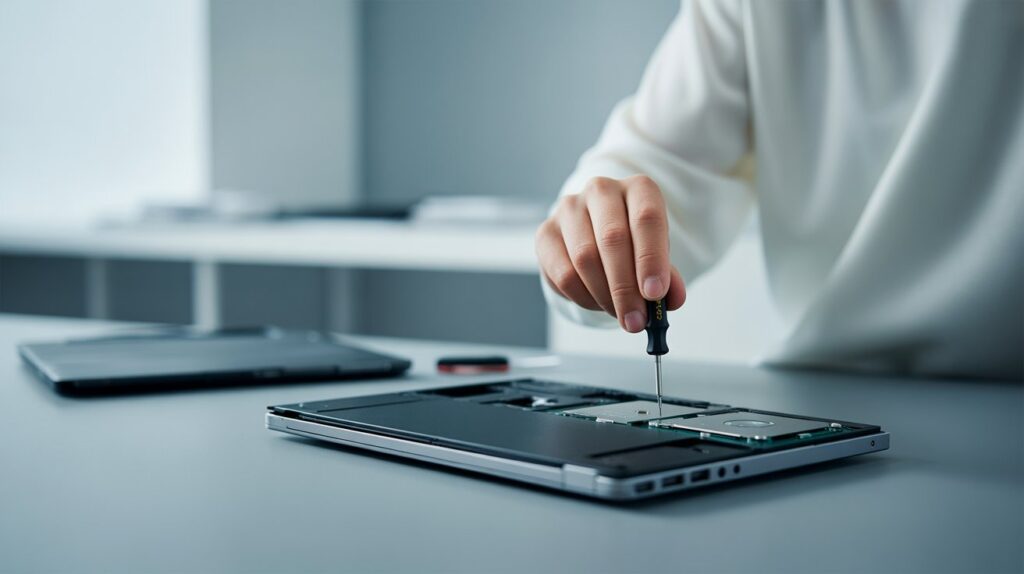
If you’d rather not manage the technical side yourself, working with a professional service that specializes in IT asset disposal is the safer route, especially for businesses handling multiple devices at once.
What to Look for in a Provider
- A documented, standards-based wiping process (DoD or NIST-aligned) with certificates of erasure
- Experience handling both HDDs and SSDs, since the two require different erasure techniques
- Transparent handling of devices that also need to be recycled or resold as scrap
- A track record with local businesses, not just an anonymous online form
How TF Enterprises Supports Safe Computer Disposal
This is where a local, established name matters. TF Enterprises works with individuals and businesses across the city looking to sell old computer safely in Hyderabad, combining certified data-wiping practices with responsible recycling of the hardware itself so sellers aren’t left wondering what happened to their information after the sale.
Working With Computer Scrap Buyers in Hyderabad
When people search for computer scrap buyers in Hyderabad, the priority is often getting fair value for outdated hardware. That goal doesn’t have to come at the expense of data safety. A trustworthy buyer will either wipe drives as a standard part of the process or clearly explain how they handle data before resale, recycling, or disposal. As one of the recognized scrap buyers in Hyderabad, this approach applies to every device taken in, whether it’s a single home laptop or a batch of office desktops being retired at once.
Frequently Asked Questions
No. A factory reset removes the file pointers that let the operating system find your data, but the underlying files often remain physically present on the drive until overwritten. Recovery software can still retrieve photos, documents, and saved credentials after a standard reset, which is why a dedicated wipe is necessary if you plan to wipe hard drive before selling computer hardware securely.
Yes, in most cases. Deleting a file or resetting a device typically clears the reference to that file rather than erasing the data itself. Unless that storage space has been overwritten by new data or cleared with a certified erasure tool, off-the-shelf recovery software can often reconstruct the original files.
Yes. SSDs use wear leveling to spread data across memory cells, so a standard overwrite may miss data relocated to cells the operating system no longer sees. SSDs should be cleared using ATA Secure Erase or NVMe Sanitize commands, while HDDs typically respond well to multi-pass overwriting or degaussing.
Data wiping uses software to overwrite or erase storage sectors so the drive can still be reused or resold afterward. Physical destruction, such as shredding, permanently damages the drive so it can never be read again, but it also ends any resale value. Most sellers only need destruction for drives that held extremely sensitive data and won’t be resold.
Ask for a certificate of erasure. Certified data destruction providers document each wipe against recognized standards such as DoD 5220.22-M or NIST 800-88, giving you a verifiable record that the process was completed correctly, rather than just taking a seller’s word for it.
Ready to Sell Your Old Computer the Safe Way?
Get a certified data wipe and a fair valuation for your laptop or desktop, backed by verifiable erasure certificates, before you sell, donate, or recycle it in Hyderabad.
Contact TF Enterprises to get started →The Bottom Line
A factory reset may feel like a complete solution, but it addresses convenience rather than true data security. Between wear leveling on SSDs, incomplete overwrites on HDDs, and the availability of powerful recovery software, the only reliable way to protect sensitive information is to treat data wiping as a separate, deliberate step rather than relying solely on your operating system’s reset option.
Whether you choose certified data-wiping software or professional assistance, the objective remains the same: ensure that your data leaves with you, not with the device. If you’re planning to sell, recycle, or dispose of a laptop or desktop, take the extra step to safeguard your privacy. A quick consultation with TF Enterprises costs far less than the financial and reputational damage that can result from exposed personal or business data later.


